
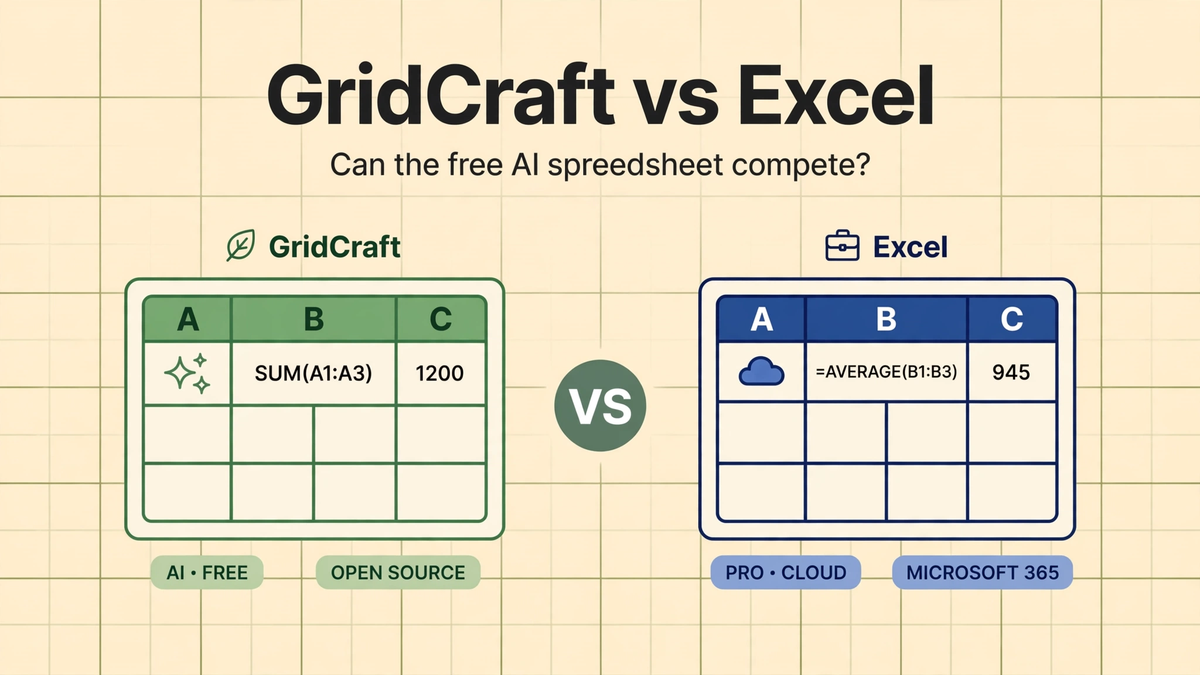
Published October 12, 2026
GridCraft vs Microsoft Excel: Can the Free AI Spreadsheet Compete?
Free GridCraft vs paid Excel, head to head: price, formulas, file compatibility, speed, and the honest early-state caveats.
Microsoft Excel has owned the spreadsheet for nearly four decades. It is the default in every office on earth, and the subscription that comes with it keeps getting more expensive. Now there is a challenger built in an entirely new way: GridCraft, a free, open-source spreadsheet vibe-coded by AI agents. So the fair question is — can it actually compete?
This is a head-to-head comparison as things stand today. GridCraft is early, so this is not a victory lap for either side. It is an honest look at where each one wins, where each one loses, and what would have to happen for the free challenger to matter.
Price: the one category GridCraft already wins
There is no contest here. GridCraft is free and open-source — download it, use it, keep it. Excel comes through Microsoft 365, a subscription that costs real money every year, per user. For a student, a freelancer, or a small team, that difference alone is the whole argument. If your spreadsheet needs are basic — budgets, lists, simple tracking — paying a yearly fee for cells and formulas is increasingly hard to justify, and GridCraft exists precisely because of that frustration.
Interface familiarity: advantage Excel, for now
Excel's ribbon interface is muscle memory for hundreds of millions of people. GridCraft's stated goal, like the rest of its vibe-coded family, is to recreate the familiar experience — the grid, the formula bar, the menus where you expect them. Early reports suggest the resemblance is deliberate and recognizable.
But familiarity is more than looks. It is keyboard shortcuts that work without thinking, right-click menus in the right place, and dialogs that behave the way fifteen years of habit expects. Excel has had decades to sand down every edge. GridCraft is months old. Expect the broad strokes to feel familiar and the fine details to still be rough.
Formulas and functions: Excel's deepest moat
This is where any Excel challenger lives or dies. Excel ships with hundreds of built-in functions, from VLOOKUP and pivot tables to the newer dynamic array functions, plus Power Query for data shaping. Rebuilding that library is an enormous job — it is arguably the hardest part of cloning a spreadsheet.
GridCraft's honest state: the core grid and common formulas are the focus of early development, following the same pattern as WordCraft's approach to Word — nail the everyday workflows first. If you live in SUM, AVERAGE, IF, and basic lookups, GridCraft's trajectory looks promising. If your work depends on obscure financial functions, complex array formulas, or Power Query pipelines, Excel remains the only safe choice for the foreseeable future. We are not going to pretend otherwise.
File compatibility: the practical question
Most people do not choose a spreadsheet in a vacuum — they inherit Excel files from colleagues, clients, and bosses. A challenger has to open .xlsx files faithfully and save back without mangling formatting, formulas, or charts. This is unglamorous work and it is where young projects usually stumble.
GridCraft aims at compatibility with Excel's open file format, the same way PhotoCraft targets Photoshop's public PSD spec. That is the right strategy. But "aims at" is not "achieves" — complex real-world workbooks with macros, conditional formatting, and linked sheets are the true test, and GridCraft has not publicly demonstrated passing it yet. Until it does, keep Excel around for files other people send you.
Speed and footprint: GridCraft's quiet edge
Here the vibe-coded approach may genuinely shine. The ArtCraft-family apps are written in Rust, a language known for speed and small binaries, and early testers of the sibling apps consistently report fast startup and snappy performance. Excel, for all its power, is a heavy application with decades of accumulated weight.
If GridCraft follows the family pattern, expect it to open instantly and stay light on memory — a meaningful quality-of-life win for anyone who just wants a spreadsheet without the wait. This is a plausible, structural advantage, not hype: small native binaries beat big legacy suites on responsiveness almost by default.
The ecosystem gap: Excel's real lock-in
Excel is not just an app; it is a platform. VBA macros, Office Scripts, Power Automate integration, SharePoint and Teams collaboration, Copilot AI features — the ecosystem around Excel is vast. GridCraft, being open-source, could eventually attract its own plugin ecosystem, and its agent-friendly architecture (the family ships MCP servers for AI control) hints at interesting automation possibilities.
But ecosystems take years. Nobody should switch mission-critical workflows to GridCraft today expecting macro support or enterprise integrations. The honest timeline: GridCraft competes for personal and small-team use first; the enterprise ecosystem battle, if it ever happens, is years away.
So can GridCraft compete?
It depends what you mean by compete. As a free spreadsheet for everyday work — budgets, trackers, lists, homework — GridCraft is already a credible alternative in the making, and its price is unbeatable. As a drop-in Excel replacement for power users, finance teams, and anyone deep in macros and integrations: not yet, and not soon.
The smart move right now is the same one we recommend across the vibe-coded office family: try GridCraft for your personal spreadsheets, keep Excel for work that pays the bills, and watch the project's progress. For the full overview of what GridCraft is, see our GridCraft introduction. The spreadsheet war is just getting started — and for the first time in decades, the challenger is free.